
Contrôle direct de la centrale d'alarme via bus de données ou po
- 19.10.2018
- Fabricant : Trikdis
Communication avec la centrale d'alarme via bus de données ou port série, comment est-ce possible ?
Dans une configuration traditionnelle, les communicateurs universels sont généralement connectés à la ligne téléphonique de l'alarme (TIP-RING). Les communicateurs spécialisés Trikdis sont les seuls capables de se connecter au canal de communication interne du système d'alarme. Selon le fabricant, cela peut être réalisé de deux façons :
- Le communicateur Trikdis doit être connecté à un bus de données, par exemple avec DSC, Honeywell, CROW, etc.,
- Avec les panneaux Paradox et Texecom, le port série peut être utilisé.
L'essence de la technologie est que le communicateur Trikdis connecté connaît le langage de la centrale d'alarme et peut interpréter les messages qui lui sont envoyés (communication unidirectionnelle). Tout comme les claviers ou autres périphériques, le communicateur reçoit et comprend les événements envoyés par le système et les transmet au client et/ou à la centrale de surveillance selon les paramètres.
Quels sont les avantages ?
- Plus simple que la connexion TIP RING traditionnelle
- Plus fiable
- Installation plus rapide
- Communication plus rapide
Contrôle direct
Le contrôle direct présente des avantages supplémentaires. Au-delà de ce qui précède, le communicateur ne se contente pas de recevoir des événements du panneau pour les transmettre, mais certaines fonctions disponibles sur le clavier sont également accessibles, ce qui signifie qu'il s'agit d'une communication bidirectionnelle.
Avantages supplémentaires du contrôle direct
- L'ensemble du système ou toute partition peut être armé ou désarmé à l'aide du code utilisateur (le même que celui utilisé sur le clavier)
- Cartographie automatique des partitions et des zones
- Détection de l'état des zones cartographiées
(Une question fréquente, mais cela ne signifie pas qu'il y a un affichage permanent de l'état dans l'application utilisateur, les informations sur l'état de la zone ne sont disponibles que lorsqu'un événement se produit et que l'application se met à jour) - Exclusion de zones
- Les sorties restent disponibles pour d'autres contrôles — il n'est pas nécessaire de câbler une sortie comme interrupteur à clé pour l'armement/désarmement, cela se fait directement via le bus de données ou le port série
Ce que cette solution ne peut pas faire
- Les sorties PGM ne peuvent pas être contrôlées sur la centrale d'alarme
- La centrale d'alarme ne peut pas être programmée à distance ou mise à jour (les appareils TRIKDIS peuvent être mis à jour)
Quels communicateurs Trikdis sont capables des fonctions ci-dessus ?
Centrales d\'alarme connectables via Bus de données ou Port série
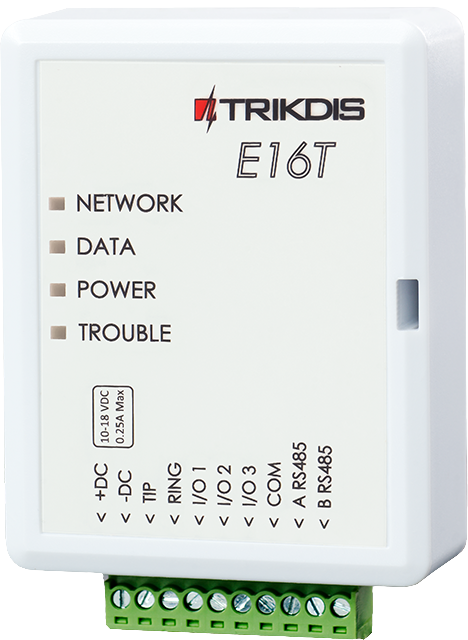
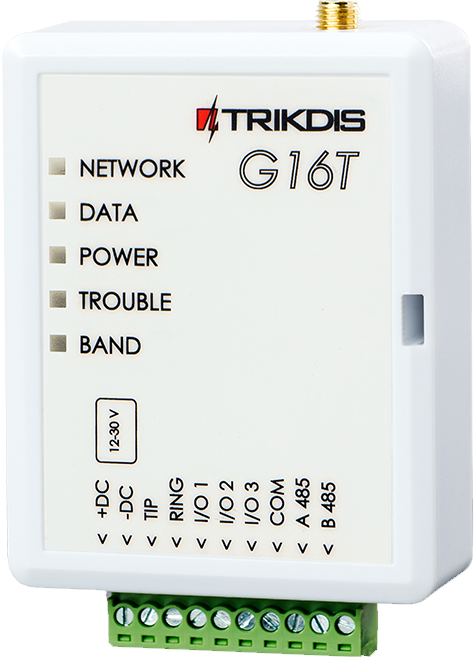
Les Trikdis E16, G16, GT, GT+, GET sont compatibles avec toutes les centrales listées ci-dessous . L’avantage principal de ces communicateurs Trikdis spécialisés est que les événements sont transmis via le bus de données ou le port série.
Les centrales marquées en bleu peuvent être contrôlées directement (armement / désarmement) via le port série ou le bus de données, sans câblage supplémentaire.
Les centrales marquées en noir reçoivent les événements via le port série ou le bus de données , mais nécessitent des zones à contact à clé et un câblage additionnel pour un contrôle complet du système d\'alarme .

Magellan MG5000, MG5050, MG5050+*, MG5050E
DIGIPLEX EVO48, NE96, EVO96, EVO192*, EVOHD* (*Fw. supérieure à 7.50)
ESPRIT E55, 728ULT, 738ULT
Pour un contrôle direct, la version du firmware des centrales PARADOX doit être au minimum V.4.
* Le port série sur les nouvelles centrales désignées est verrouillé en usine. Le port doit être activé avant toute communication avec un appareil externe. So entsperren Sie den Seriellen Port


TIP-RING
Les communicateurs spéciaux Trikdis prennent-ils en charge la famille de produits DSC Power Series NEO ?
NON ! Utilisez les communicateurs universels E16T, G16T, GT, GT+, GET avec connexion ligne téléphonique (TIP RING) !
Lisez les détails : DSC Power Series NEO et communicateurs Trikdis : Compatibilité et solutions


Premier Elite 12, 24, 48, 64, 88, 168





Quelles solutions intelligentes peuvent être utilisées avec les communicateurs Trikdis ?
Selon l'appareil, les communicateurs intelligents Trikdis et les centrales d'alarme intelligentes Trikdis disposent d'une ou plusieurs sorties. Ces sorties peuvent être utilisées pour le contrôle : ouverture de portail ou de porte de garage, chauffage, irrigation, contrôle de l'éclairage, etc. Elles peuvent être complétées par des capteurs, tels que des capteurs de lumière, de niveau de liquide, de température, pour créer un système domotique plus simple, où l'entrée du communicateur peut être utilisée comme retour (par exemple, si le portail ou la porte de garage est ouvert).
Tags :
Articles connexes
Nouveautés dans le communicateur G16T v3
- 30.08.2018
New features in the G16T GSM smart communicator hardware v3: Nano SIM slot, TLC connection, new inputs and outputs.
Lire la suite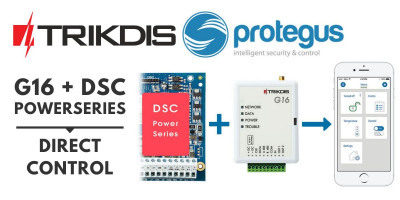
G16 – Contrôle direct des centrales d'alarme DSC PowerSeries
- 26.06.2018
Le communicateur GSM Trikdis G16 prend désormais en charge le contrôle direct des centrales d'alarme DSC PowerSeries via une connexion bidirectionnelle par bus de données.
Lire la suite
Déblocage du port série sur les centrales d'alarme Paradox
- 25.01.2023
Guide pour débloquer le port série sur les centrales d'alarme PARADOX de la série « + » pour les communicateurs Trikdis.
Lire la suite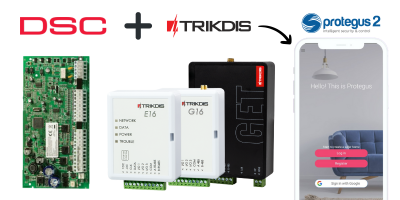
TRIKDIS communicateur + Centrale d'alarme DSC – Guide d'installa
- 19.01.2024
Guide d'installation rapide pour connecter une centrale d'alarme DSC à un communicateur TRIKDIS et configurer l'application Protegus 2.
Lire la suite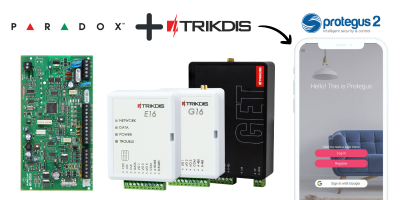
TRIKDIS communicateur + Centrale d'alarme PARADOX – Guide d'inst
- 26.02.2024
Guide d'installation rapide pour connecter une centrale d'alarme PARADOX à un communicateur TRIKDIS et configurer l'application Protegus 2.
Lire la suite
DSC Power Series NEO et communicateurs Trikdis : compatibilité e
- 01.03.2025
Les systèmes DSC Power Series NEO sont-ils compatibles avec les communicateurs spéciaux Trikdis ? Solutions et alternatives.
Lire la suiteProduits connexes
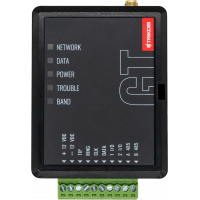
Trikdis GT 4G Communicateur Intelligent
Le Trikdis GT 4G communicateur intelligent combine les fonctionnalités des communicateurs G16 et G16..
€174,90 Hors taxes : €142,20
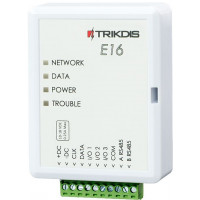
Trikdis E16 Ethernet Communicator - Module IP
Le communicateur Ethernet Trikdis E16 peut coopérer avec les centrales d'alarme Paradox, DSC et d'au..
€82,90 Hors taxes : €67,40
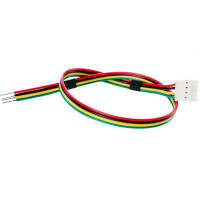
Câble de connexion de port série Trikdis CRP2 pour les centrales d'alarme Paradox
Câble d'usine pour connecter les systèmes d'alarme Paradox SERIAL (port série) et les communicateurs..
€6,90 Hors taxes : €5,61
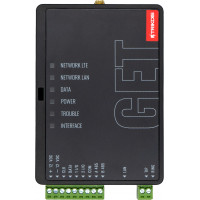
Trikdis GET Ethernet + 4G Communicateur Intelligent
Le communicateur intelligent Trikdis GET Ethernet + 4G est le communicateur haut de gamme du fabrica..
€229,90 Hors taxes : €186,91
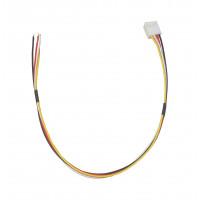
Câble de connexion de port série CRP2B pour les centrales d'alarme Paradox
Câble pour connecter les systèmes d'alarme Paradox SERIAL (port série) et les communicateurs {fragme..
€4,90 Hors taxes : €3,98